OLX Setup
For import to work, you need a paid listing package.
Open Integrations, choose OLX in the list on the left, click Connect account, and in the dialog that opens, Go to …. The OLX website opens in a new tab, where you need to sign in if you are not already signed in and grant access to the Lekkolot app.
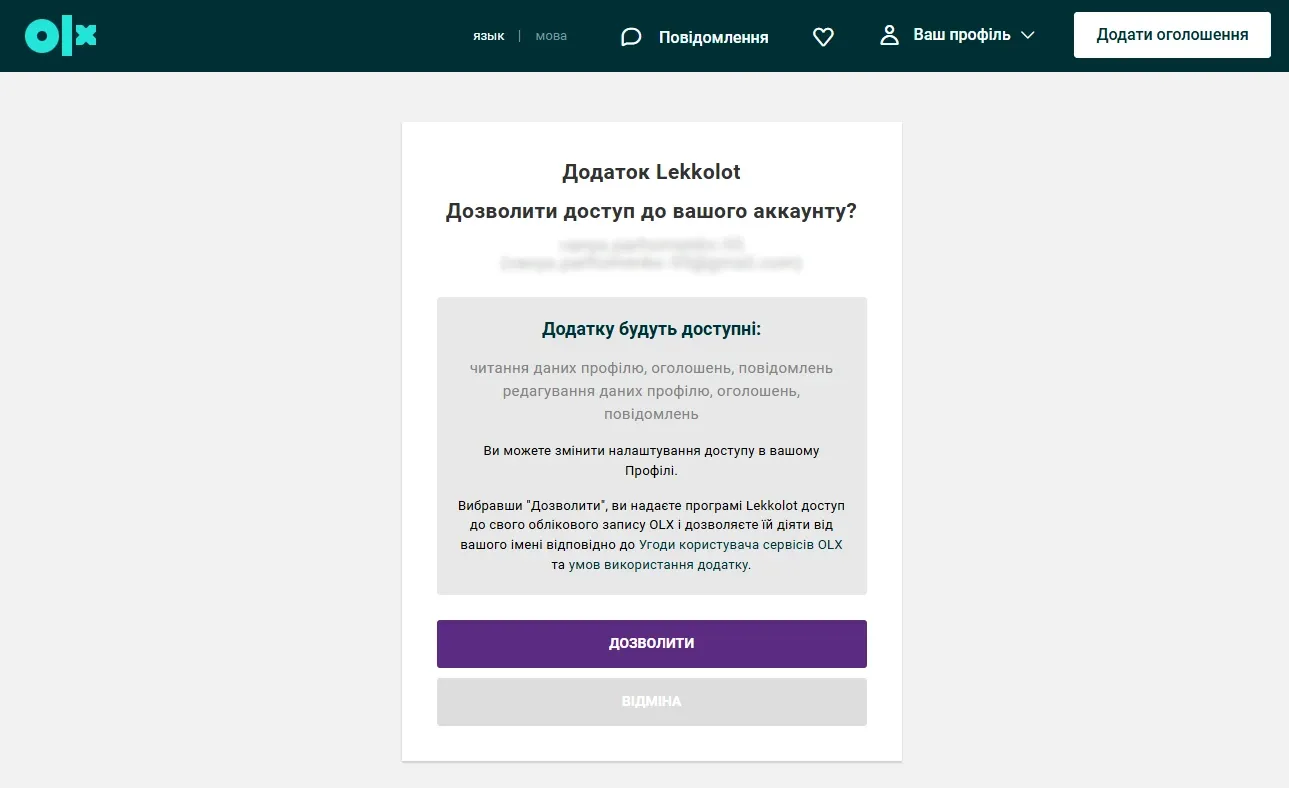
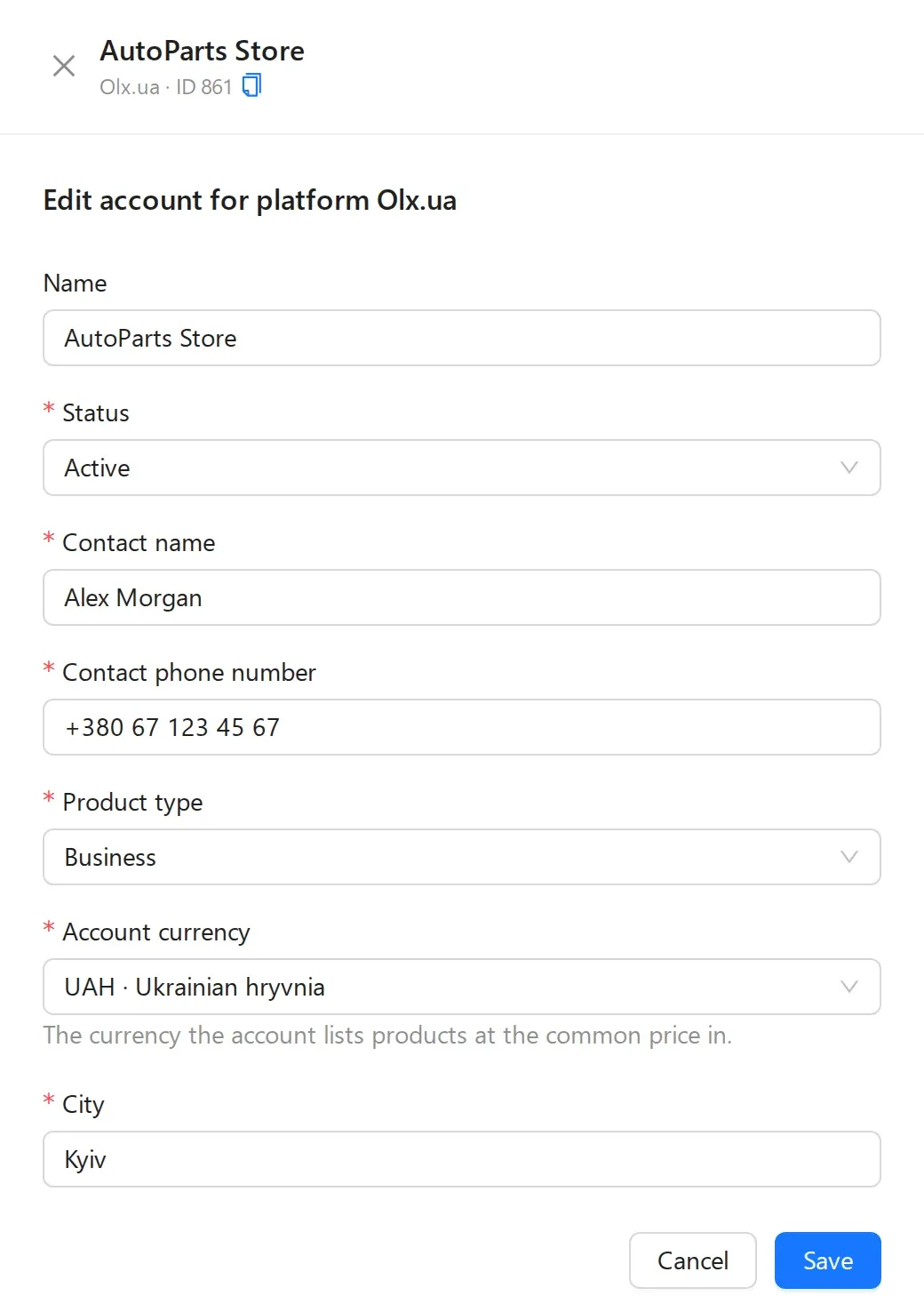
After confirming access, go back to Integrations: the account appears on the Accounts tab. Click Edit on its card and fill in the fields in the panel that opens at the side.
Account currency is the currency in which the account lists products at their common price. We recommend USD so you do not need to reprice too often. If the common prices of your products are in another currency, add an exchange rate for that pair: see Prices and currencies.